

How to Install and Configure Ansible AWX on Rocky Linux 8
Deploying the AWX operator into a K3s cluster with Kustomize, then creating an AWX instance as a NodePort service.
AWX — “Ansible Web eXecutable” — is a free, open-source project for managing and controlling Ansible projects. It provides a web UI and a REST API, and can sync inventory from other sources. It’s the upstream project behind Red Hat’s Ansible Automation Platform.
Ansible itself is the task engine; AWX is the web interface for scheduling and running playbooks against the inventories those playbooks act on.
In this post I’ll install the AWX operator on Rocky Linux 8 and deploy an instance into a K3s cluster.
Prerequisites
- A Rocky Linux 8.x or CentOS 8.x server with at least 4 GB RAM
- A running K3s cluster
- The AWX operator deployed into that cluster
For K3s installation, see Install K3S.
Install the AWX operator
Install the prerequisites:
sudo yum -y install git make
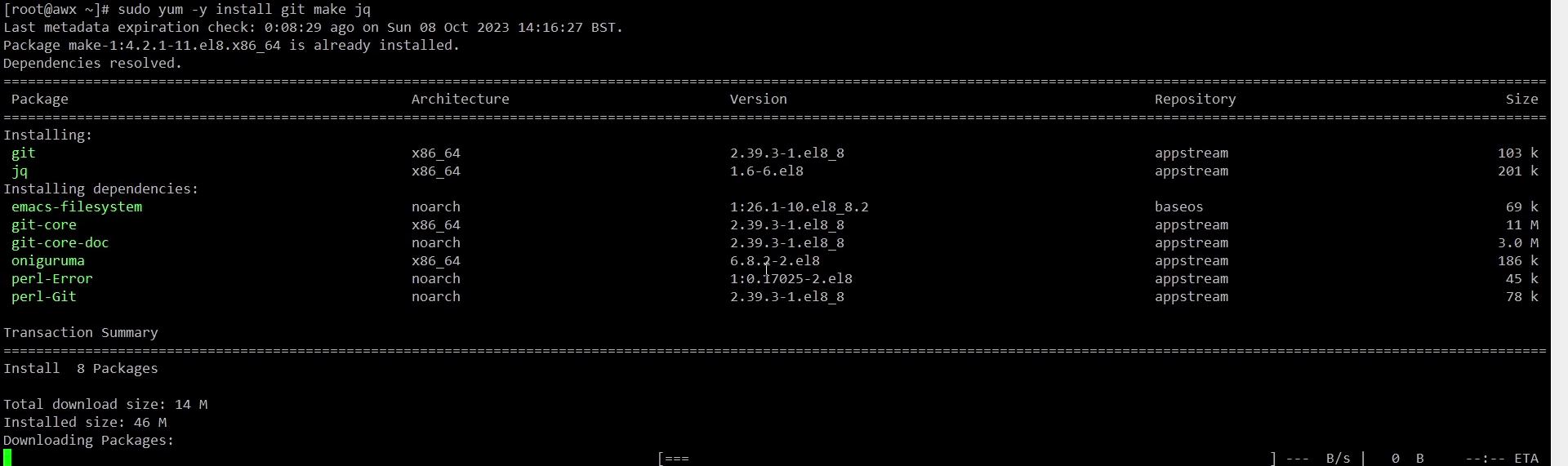
With a running Kubernetes cluster — K3s in this case — you can deploy the AWX operator using Kustomize.
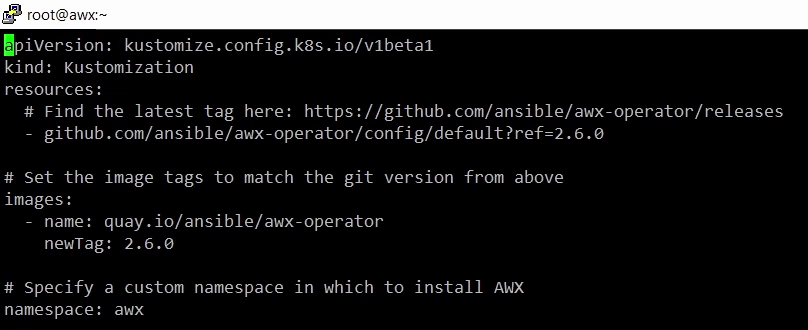
Create a file called kustomization.yaml:
vi kustomization.yaml
Check the awx-operator releases page for the latest tag — 2.6.0 is used here:
apiVersion: kustomize.config.k8s.io/v1beta1
kind: Kustomization
resources:
  - github.com/ansible/awx-operator/config/default?ref=2.6.0
images:
  - name: quay.io/ansible/awx-operator
    newTag: 2.6.0
namespace: awx
Apply the manifests:
kubectl apply -k .
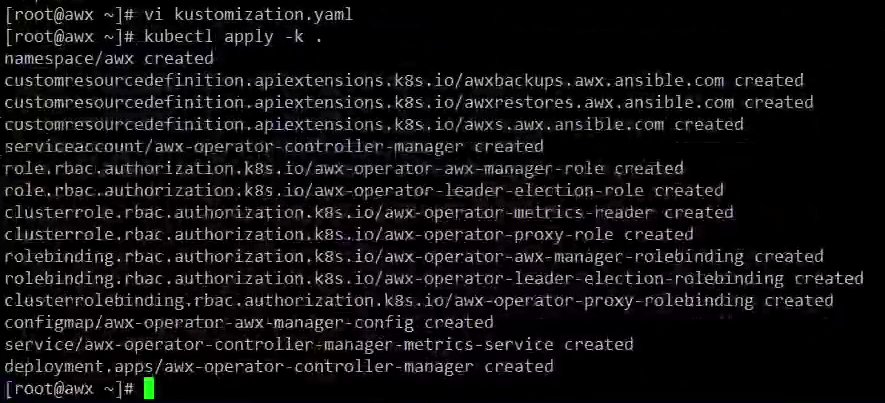
Wait until the awx-operator is running, then check:
kubectl get pods -n awx
Create an AWX instance
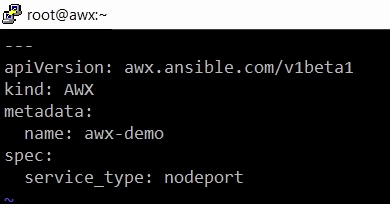
Create a file called awx-lab.yaml:
vi awx-lab.yaml
---
apiVersion: awx.ansible.com/v1beta1
kind: AWX
metadata:
  name: awx-demo
spec:
  service_type: nodeport
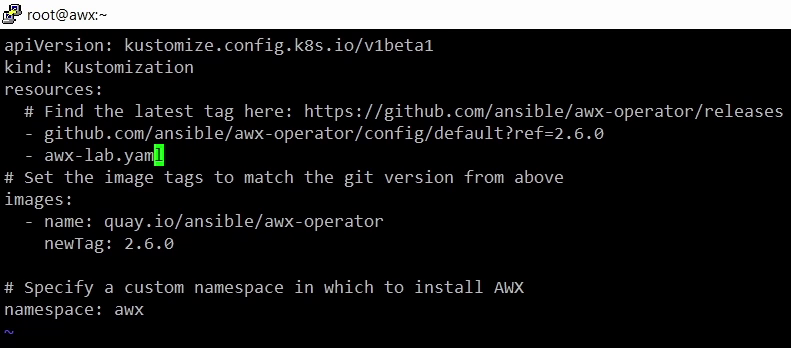
Add that file to the resources list in kustomization.yaml:
apiVersion: kustomize.config.k8s.io/v1beta1
kind: Kustomization
resources:
  - github.com/ansible/awx-operator/config/default?ref=2.6.0
  - awx-lab.yaml
images:
  - name: quay.io/ansible/awx-operator
    newTag: 2.6.0
namespace: awx
Apply the changes to create the AWX instance. Since you’re done passing -n awx, set it as the current namespace:
kubectl config set-context --current --namespace=awx
kubectl apply -k .
Verify the deployment
After a few minutes the instance is deployed. Follow the logs to watch the install progress:
kubectl logs -f deployments/awx-operator-controller-manager -c awx-manager
Within a few seconds the operator should begin creating resources:
kubectl get pods -l "app.kubernetes.io/managed-by=awx-operator"

Get the NodePort details:
kubectl get svc -l "app.kubernetes.io/managed-by=awx-operator"

By default the admin username is admin, and the password is stored in the <resourcename>-admin-password secret:
kubectl get secret awx-demo-admin-password -o jsonpath="{.data.password}" | base64 --decode ; echo

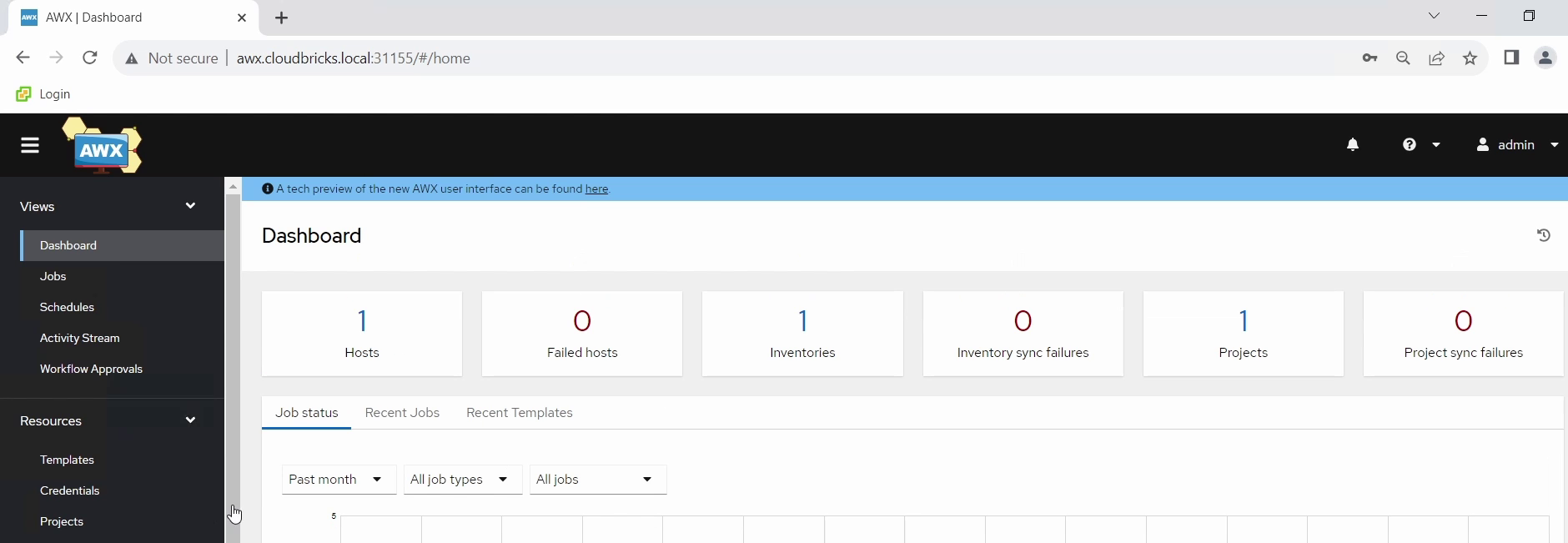
Open http://<hostname>:<port> and log in with admin and that password.
Watch the video
Setting up the AWX operator in a K3s cluster: