

How to Setup OpenTofu
Installing OpenTofu from the GitHub release RPM and walking through the write, plan, and apply workflow.
What is OpenTofu?
An open-source infrastructure-as-code tool. Previously called OpenTF, OpenTofu is a community-driven fork of Terraform now managed by the Linux Foundation.
The core workflow
Three stages, in order:
Write
Define your resources. These can span multiple cloud providers and services — for example, deploying an application onto virtual machines in a VPC network, with security groups and a load balancer attached.
Plan
OpenTofu produces an execution plan describing what it will create, update, or destroy, based on your configuration compared against the existing infrastructure.
Apply
Once you approve the plan, OpenTofu performs the proposed operations in dependency order.
Installing OpenTofu
The most direct method is to download the archive for your platform from OpenTofu GitHub releases.
On RPM-based distributions, log in to the code server as root and run:
yum install https://github.com/opentofu/opentofu/releases/download/v1.6.0-alpha3/tofu_1.6.0-alpha3_amd64.rpm
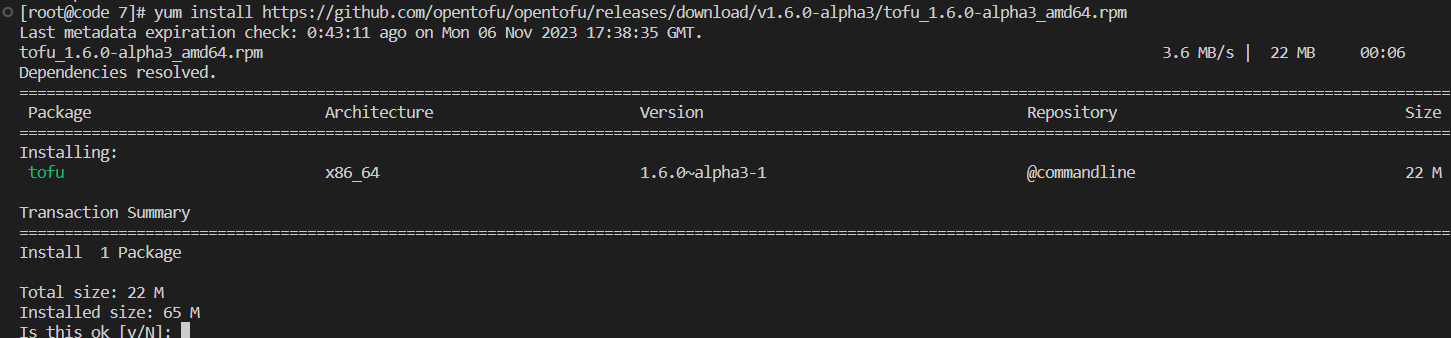
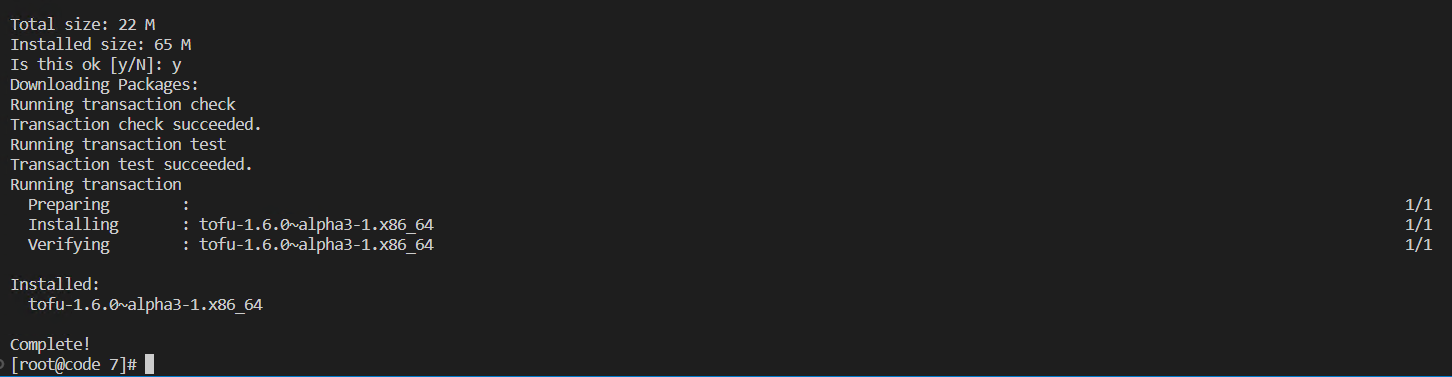
Verify the installation:
tofu version
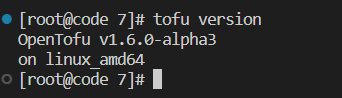
Run tofu with no arguments for the help output:
tofu
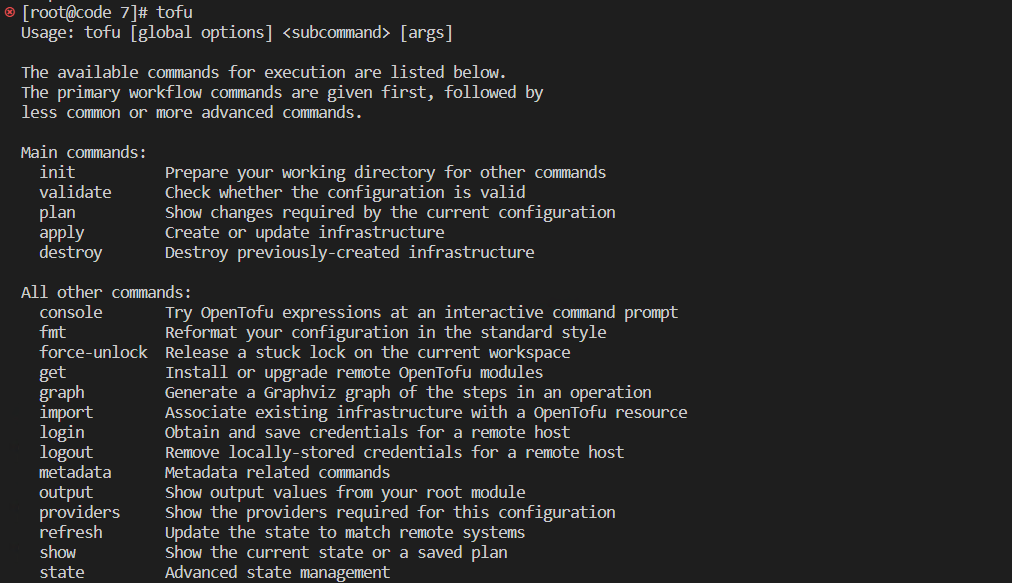
The workflow the install unlocks
The install above gets you to a working tofu binary. The day-to-day workflow on top of it has four stages, in order:
tofu init— run once per working directory. Downloads the providers and modules your configuration references and initialises the backend. Every new project starts here; the post above picks up after this step.tofu plan— compares your configuration against the current state and prints the execution plan: what will be created, changed, or destroyed. Nothing touches real infrastructure at this point.tofu apply— executes the plan after you confirm it. This is the step that actually creates resources.tofu destroy— the reverse of apply; tears down everything the configuration manages. Useful for lab teardowns.
Two habits worth building early: run tofu fmt before every commit (it canonicalises formatting so diffs stay readable), and tofu validate to catch syntax and type errors before planning.
State
OpenTofu keeps track of what it has created in a state file (tofu.tfstate by default, in the working directory). That file is the source of truth for plan — lose it and OpenTofu no longer knows what exists. For anything beyond a lab, move state to a remote backend (S3-compatible, GCS, Azure Blob, or a Terraform-compatible backend) so it is shared and versioned rather than sitting on one laptop.
A note on versions
The RPM command in this post pins an early alpha (v1.6.0-alpha3). OpenTofu has since shipped stable releases — check the releases page for the current version and adjust the URL and filename before running the yum install command. The workflow itself has not changed.
OpenTofu is a Linux Foundation project; this post is our own notes from a Rocky Linux lab install.